Walidacja Pola Adresu
12/08/2021 00:00:00
Komentarze
0
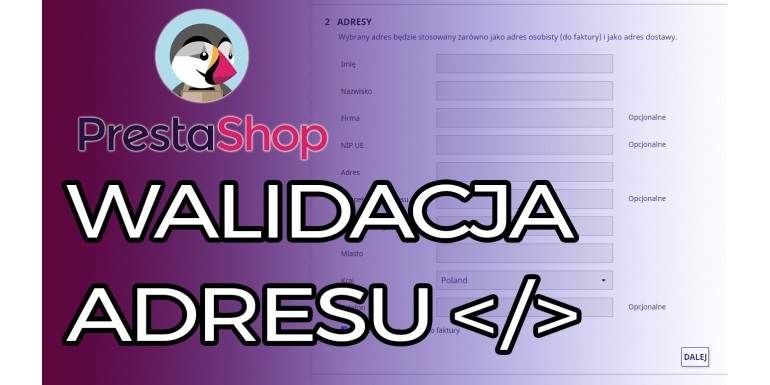
Jeśli często zdarza Ci się tak ze Twoi klienci zapominają podać numer domu lub mieszkania i przez to masz niekompletny adres, masz już dosyć marnowania czasu na wydzwanianie do klientów aby dopytać się gdzie dokładnie masz wysłać zamówienie to ten poradnik jest dla ciebie.
const address = document.querySelector("input[name='address1']")
const addressBtn = document.querySelector("button[name='confirm-addresses']")

function ready() {
    if (addressBtn) {
        address.addEventListener("keyup", () => {
            if (address.value.match(".*\\d.*")) {
                addressBtn.removeAttribute('disabled', '')
                addressBtn.setAttribute('enabled', '')
            } else {
                addressBtn.removeAttribute('enabled', '')
                addressBtn.setAttribute('disabled', '')
            }
        })
    }
}

document.addEventListener("DOMContentLoaded", ready)
Zostaw komentarz Anuluj komentarz